What does Shift & Pay do?
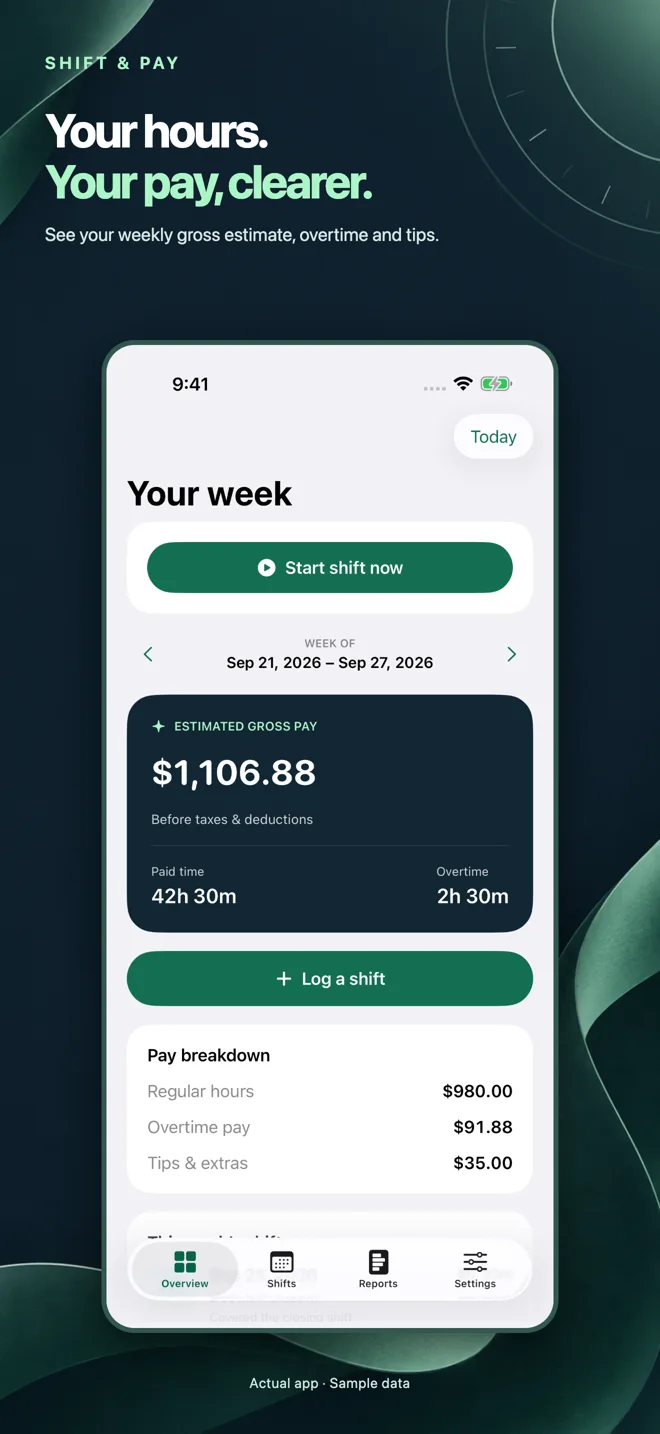
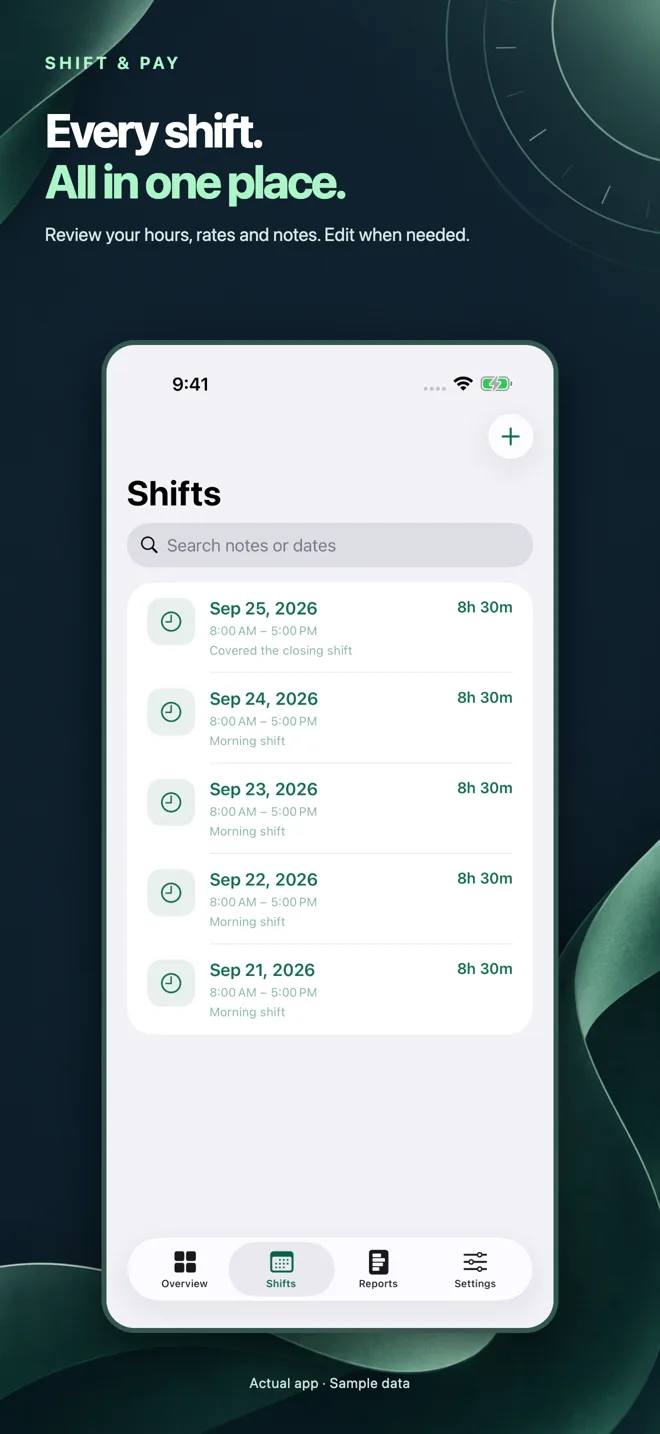
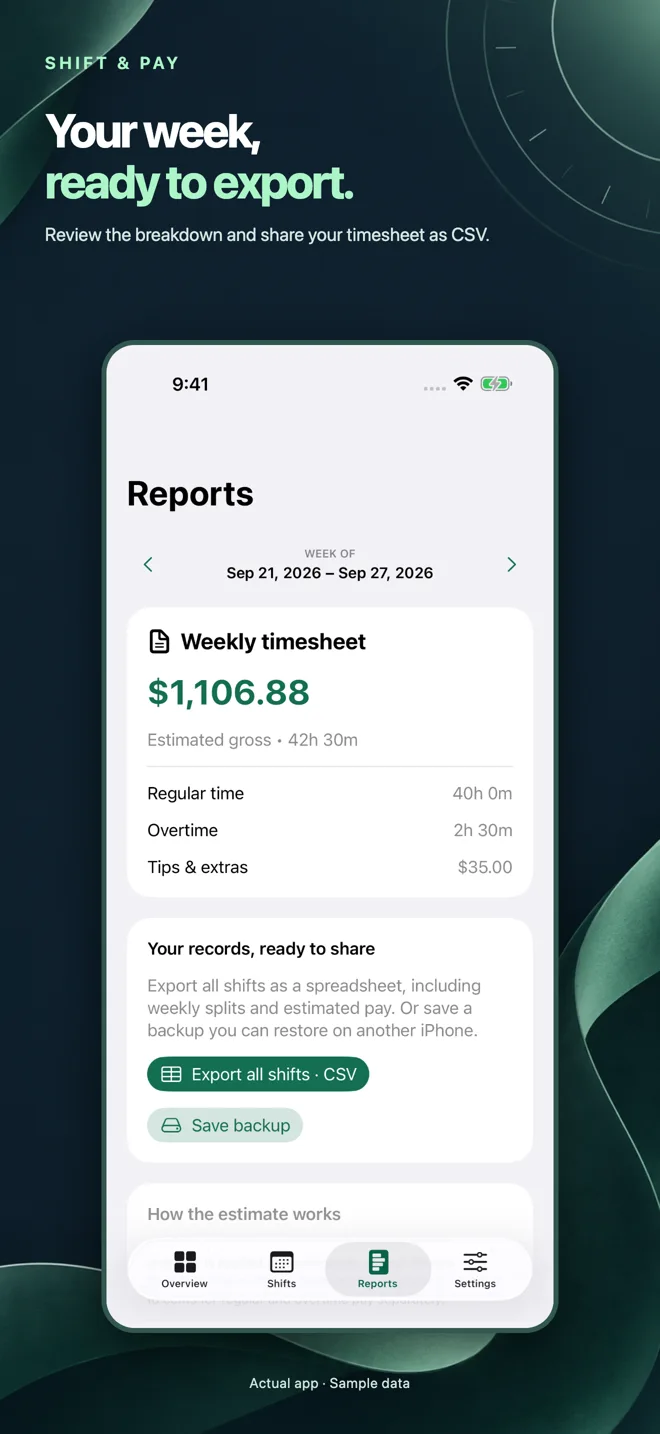
Shift & Pay is an iPhone work-hours tracker and gross-pay calculator. Start an active shift or add a completed shift, record an unpaid break, review weekly totals and export your records.
For iPhone · iOS 18 or later
Clock in, finish your shift and see your estimated gross pay. Keep your own record, without a company account or bank connection.
View on the App StoreFree core tools. Optional one-time Remove Ads purchase; no subscription. Apple shows your local price.
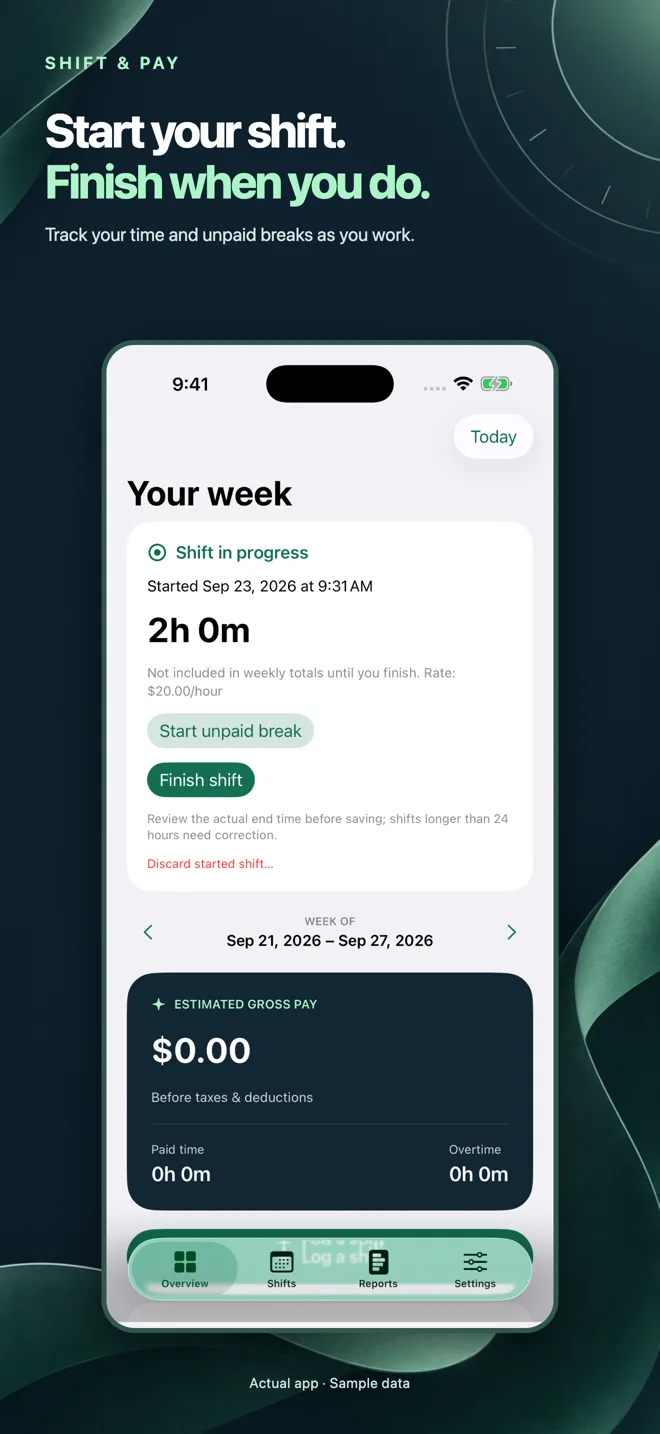
Your shift dates, rates, breaks and notes stay on your iPhone unless you choose to share an export. An open shift stays saved when you close the app; only finished, saved shifts enter your completed totals.
The app calculates gross pay from the hours and settings you enter. It does not calculate taxes, deductions, daily overtime or holiday premiums, and does not determine whether your employer complies with local law.
Shift & Pay is an iPhone work-hours tracker and gross-pay calculator. Start an active shift or add a completed shift, record an unpaid break, review weekly totals and export your records.
It counts elapsed work minutes minus your unpaid break, then applies the hourly rate saved for each shift. You can enable weekly overtime with a chosen threshold and multiplier. It does not automatically apply local labor rules or calculate take-home pay.
Yes. Enter the actual start and next-day end dates. Completed entries can last from one minute to 24 hours. Shifts crossing a week boundary are split into the corresponding weekly totals.
The active shift remains saved. Open Finish shift, correct the actual dates and times and review before saving. Optional local reminders help you remember; they never finish a shift automatically.
Reports lets you export all completed shifts as CSV or save a JSON backup. Restore backup in Settings replaces the destination ledger after confirmation and keeps a local pre-restore copy. An open shift is included in the backup, but not in completed totals or CSV.
No developer account is required, and the core shift records are stored locally. Ads, purchases and purchase restoration require connectivity. There is no automatic multi-device sync.
Shift tracking and exports are free. A banner may appear in Overview. A full-screen ad can appear only after saving a completed active shift, never in the first seven days and at least seven days apart afterwards. A verified one-time Remove Ads purchase removes both formats; restore it in Settings with the same Apple Account.
The current release is designed for iPhone with iOS 18 or later and includes English and Spanish. A native iPad layout, Apple Watch and employer payroll integrations are not advertised as features of this release.